


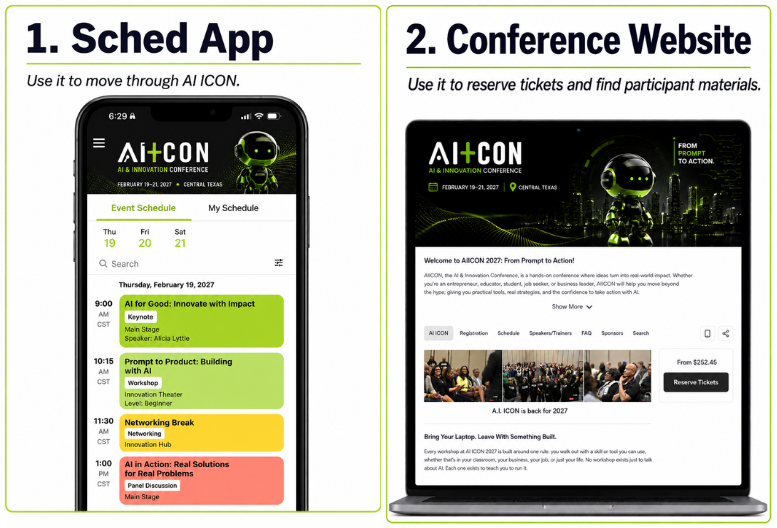
- How do I check in when I arrive?
- Open the Sched app (or aiicon.sched.com) on your phone, click your profile icon, and show your Digital QR Code at the registration desk.
- A workshop I want is full. What should I do?
- Join the Waitlist in Sched. If someone drops out, you will be automatically added and notified via email.
- How do I change my workshop selections?
- Simply uncheck the session you no longer wish to attend and check the new one. Reminder: You cannot book two sessions that occur at the same time.
- Can I attend a workshop if I didn't register for it in Sched?
- No. To ensure safety and a quality learning environment, all sessions are strictly limited to those registered in advance via Sched.
